Using a Keyboard

PBLA Module

Learners build foundational keyboarding skills to enter and edit text on a computer. They practise typing letters, numbers, and special characters, adding spaces, moving to a new line, correcting mistakes, and placing the text cursor where they need to type or make changes. Hands-on practice with the LINCtype web app helps learners develop these essential micro-skills and prepares them for more complex digital tasks.

Story

Emma Learns to Use a Keyboard — Emma is learning to type on a computer. In her computer class, she practises typing her name, letters, numbers, and special characters. She also learns to use important keys such as Shift, Space Bar, Enter, and Backspace to add spaces, start a new line, and fix mistakes.

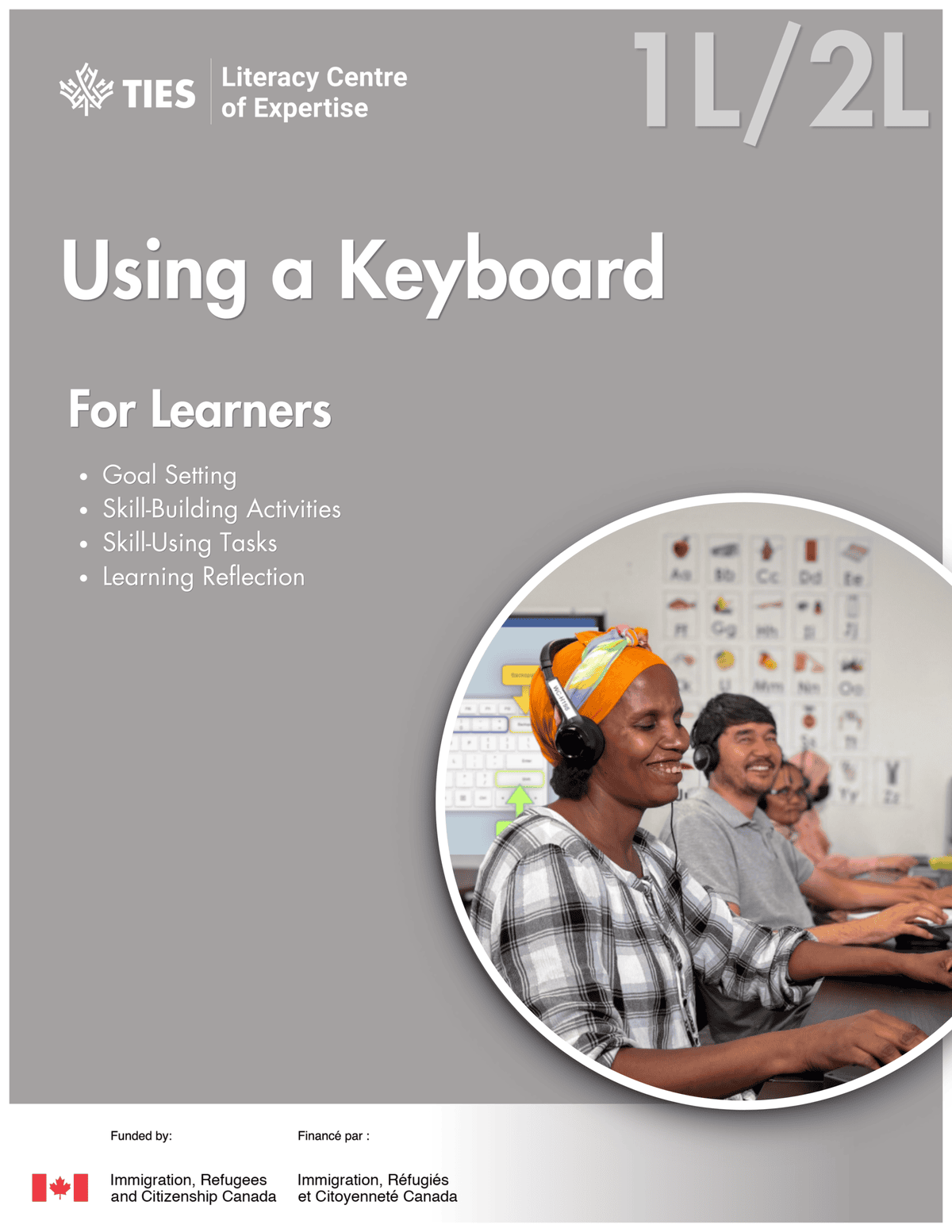
LINCtype

The LINCtype app gives learners hands-on practice with essential keyboarding skills. Learners practise typing letters, numbers, words, and sentences, using capitals and special characters, and finding and fixing mistakes. The app includes 11 guided practice modes in three categories, plus Free Practice where learners can apply their skills independently.

Digital Activites

The two digital activities provide further practice of keyboarding skills practiced in LINCtype. Learners can practice listening to computer instructions and reading computer instructions.
Translate