
Are you sure you want to sign out?
You will need to sign in again to access your emails.
LINCmail is signing you out in 5…
Leave Task?
If you leave now, you will start at Step 1 next time.
Are you sure you want to send to the trash folder?
You can review and permanently delete items later from the Trash.
Are you sure you want to delete these 0 emails?
These emails will be permanently deleted and cannot be recovered.
Warning!
Uh oh! You clicked an unsafe link in an email. Your computer was hacked! Never click links in emails if you don't know the sender.
Task 1:
Sign in and Read Sofia's Email
- Sign in (Press the "Help" button for info).
- Open the email from Sofia.
- Read Sofia's email and answer the questions.
- Go back to the inbox.
- Sign out.
Task 2:
Send an Email
- Sign in (Press the "Help" button for info).
- Click "New Mail".
- Type the email address in "To:" and press Enter.
- Type a subject in "Subject".
- Type a message and click "Send".
- Click the sent message in the "Sent" folder.
- Click the Back button.
- Sign out.
Sign In to Your Email
Enter your email address and password to access your inbox.
Scan to open the LINCmail Simulator
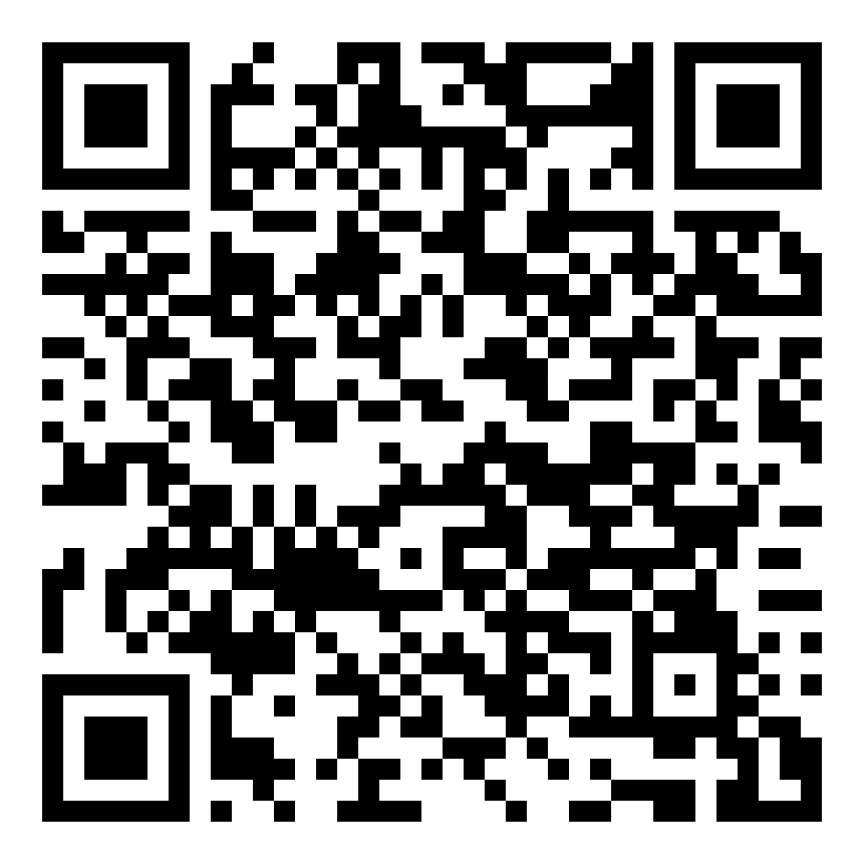
Scan to start Task 1
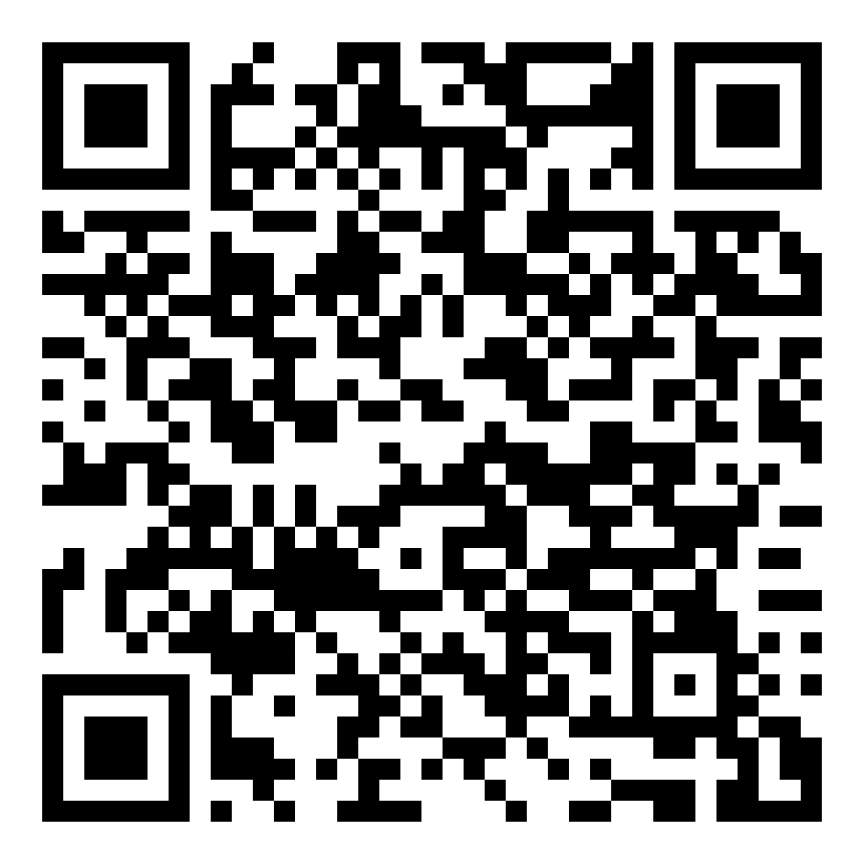
Scan to start Task 2

Khazna A.
Inbox

-

Sofia Doyle
Coffee on Saturday?
-

Patrick White
Interview - EZ Delivery
-

Tom Brown
URGENT: Pay Your Taxes Now
-

Annie Roberts
School Closed Sept. 29: Classes Online
-
Angela Mendez
Appointment Confirmation: Mon. Sept. 16
-
Julia Henderson
Good News!
Your inbox is empty.
Khazna A.
Junk

-
TechZone Electronics
Get 10% Off – Your special coupon is inside!
deals@dailyshop.ca -
John Smith
You won $10,000!
lottery@bigprizesglobal.nx -
Hendrick Gyan
Get Payment
hen_gman78fgh1@outlook.com
Your junk folder is empty.
Khazna A.
New Mail


Khazna A.
Drafts

Khazna A.
Sent

Khazna A.
Trash

Warning
Uh oh! You clicked an unsafe link in an email. Your computer was hacked! Never click links in emails if you don't know the sender.
Link Information
This link may be safe. Check the sender name and email carefully. If anything looks strange, don’t click the link.
Great job! You did Step 1.
You can:
- Sign in.
- Open the email from Sofia.
- Read Sofia's email and answer the questions.
- Go back to the inbox.
- Sign out.
Task 2 steps completed:
- Step 1: Sign in.
- Step 2: Click “New Mail”.
- Step 3: Type "S_Doyle@lincmail.ca" in “To:”.
- Step 4: Type “Appointment” in “Subject”.
- Step 5: Type your message and click “Send”.
- Step 6: Click the sent message in “Sent”.
- Step 7: Click the Back button.
- Step 8: Sign out.
That is not Sofia's email. Please try again.