Using Email Safely

PBLA Module

Learners build skills to use email safely by identifying different email types, including scam emails, and understanding key details in messages. Learners get hands-on practice with an email simulator web app on desktop computers and phones to read emails, build digital literacy skills, ask questions about an email, and write a clear email to cancel an appointment.

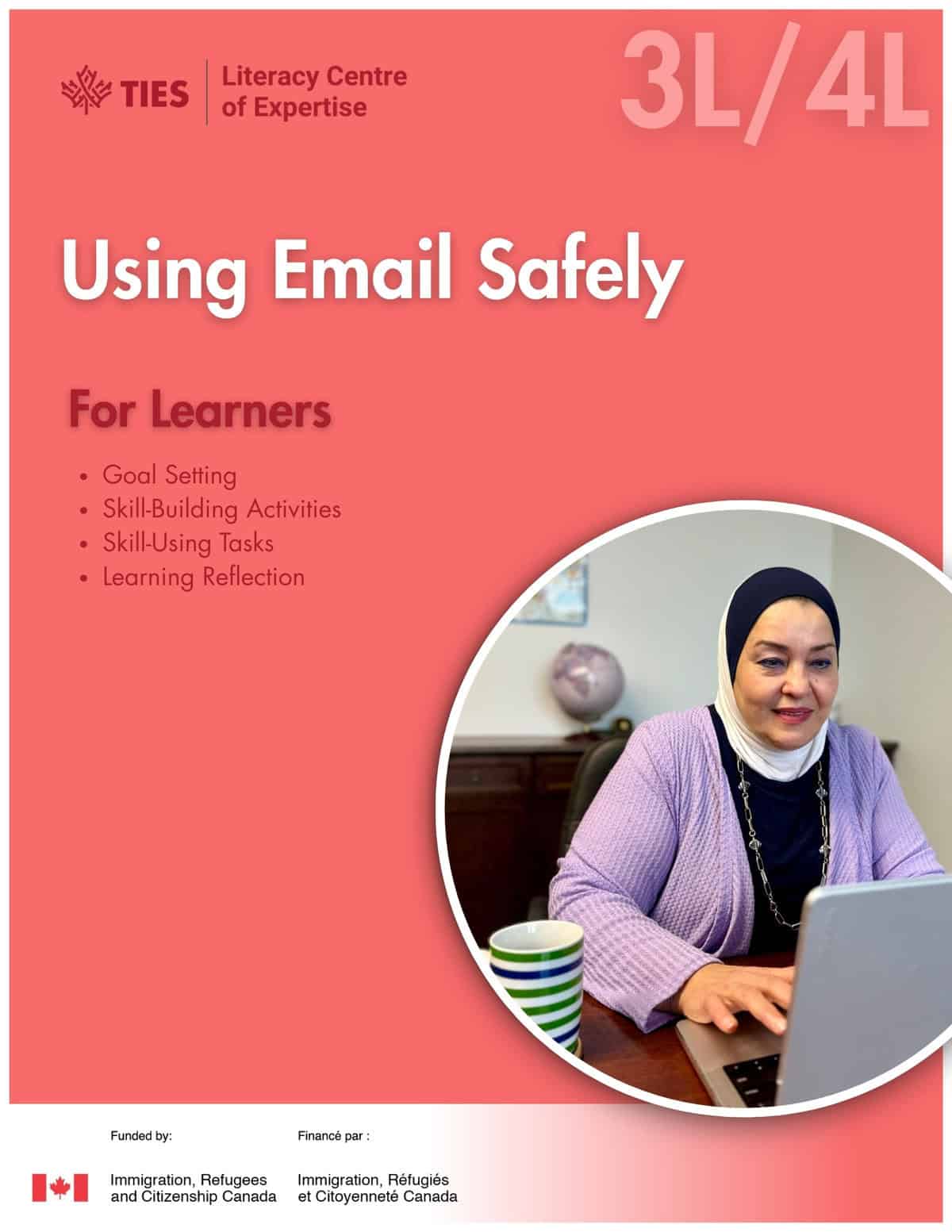
Story

Khazna Gets a Suspicious Email — Khazna receives an email saying she won $10,000 and isn’t sure what to do. With her teacher Donna’s help, she learns to recognize a suspicious email, avoid clicking unknown links, and ask for help to keep her personal information safe.

Digital Activities

This activity helps learners practice key speaking phrases for email, including asking for repetition, asking for help, getting someone’s attention, and asking questions about emails. It includes a short quiz for each section.

  • Using Email Safely: Speaking Phrases

Videos

These videos help learners practice listening for formal and casual communication. Learners also listen to a conversation between a customer and a tire shop employee about an appointment.

  • Skill-Building: Formal and Casual Communication
  • Skill-Using Task: Listening to a Conversation with a Receptionist

LINCmail Simulator

This simulator allows learners to practice signing in and out, reading emails, and sending emails in a safe, realistic environment. It also includes helpful features like saving drafts and deleting emails. Learners can choose from three modes: Task 1 (Open an Email), Task 2 (Send an Email), and Free Practice.

Translate